This guide contains affiliate links. We may earn a small commission if you purchase through our links, at no extra cost to you.
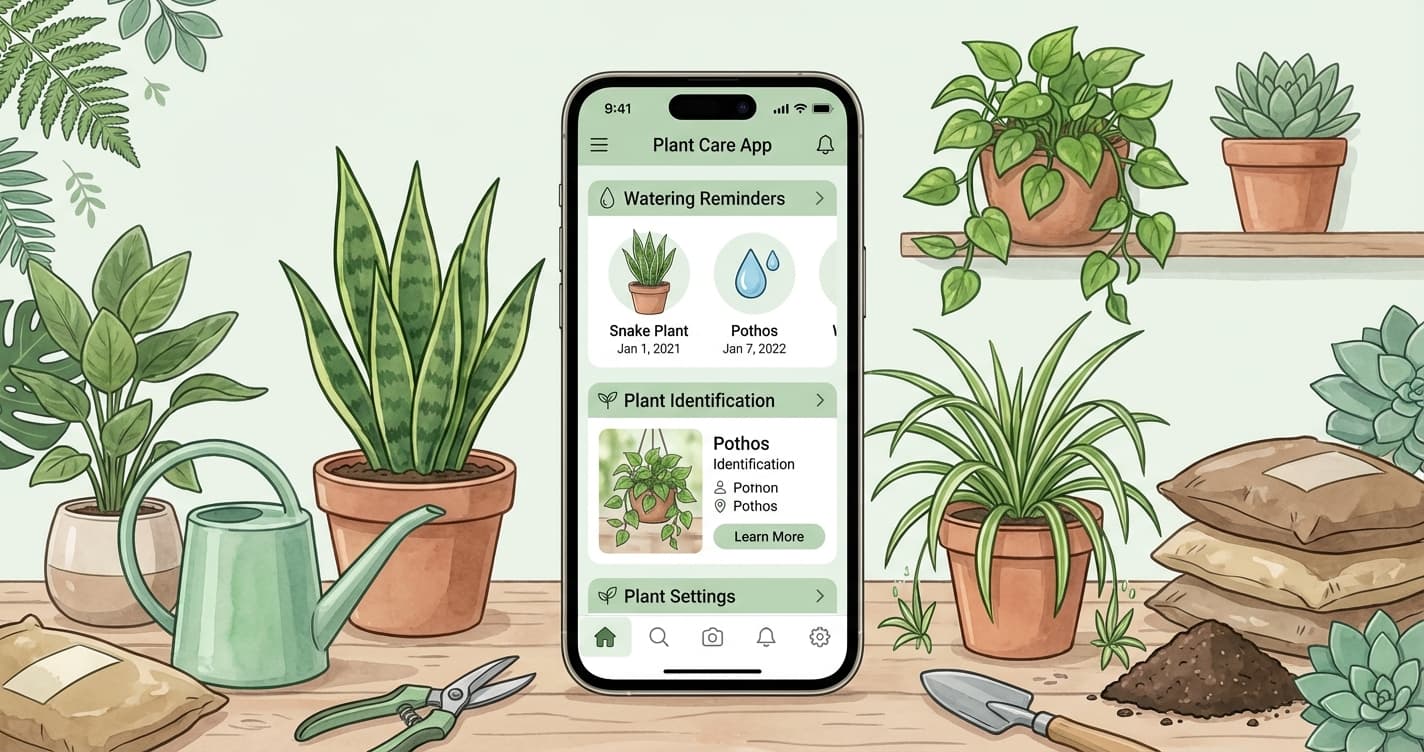
Plant care apps promise to make plant parenthood foolproof: reminders for watering, identification of unknown plants, disease diagnosis from photos. But do they actually help beginners—or just add complexity?
After testing popular options, here's an honest assessment of what works, what doesn't, and when your phone's basic features work better than any specialized app.
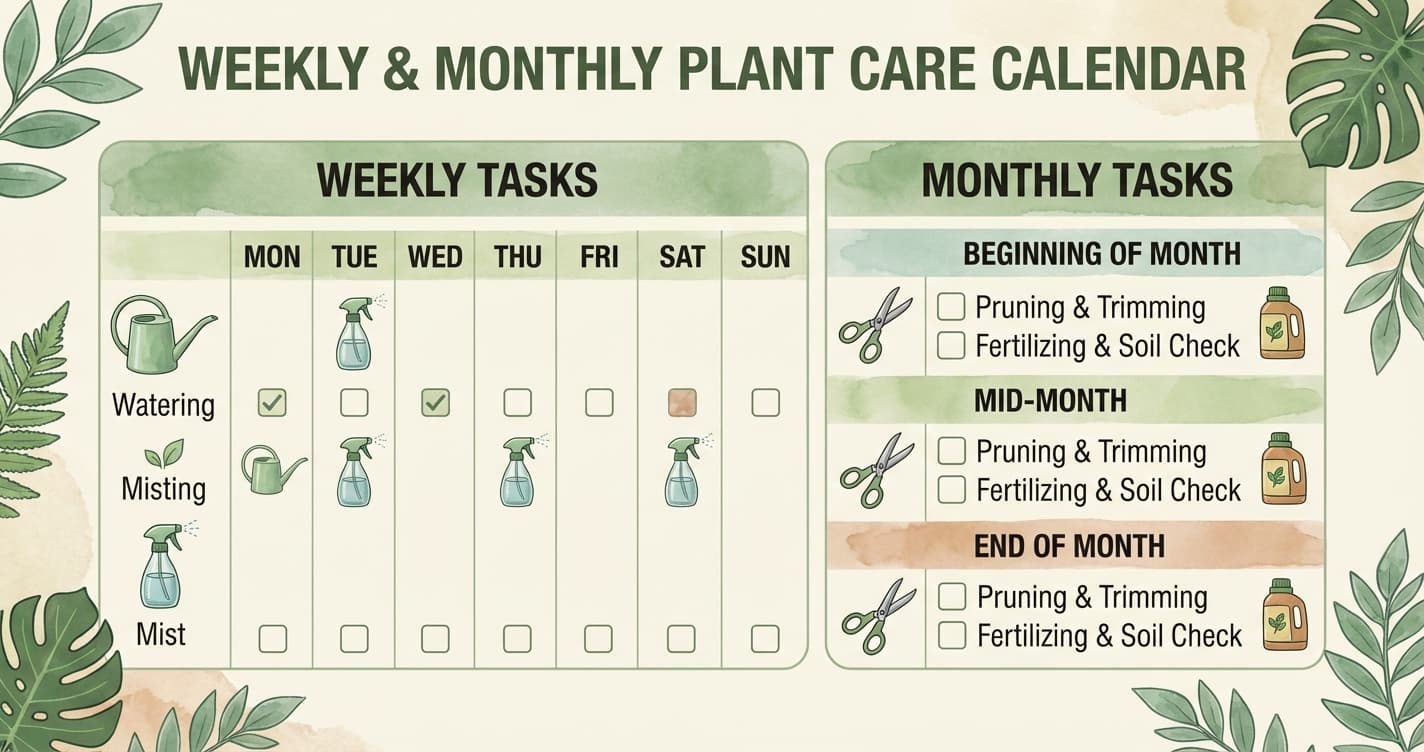
For a complete care framework, see our houseplant care schedule template.
The Truth About Plant Apps
The honest take: Most beginners don't need a dedicated plant care app. Your phone's built-in camera, notes app, and calendar offer everything essential for free.
Plant apps shine in specific situations:
- Large collections (10+ plants) needing organized tracking
- Plant identification for unknown species
- Learning plant names and basic care info
They fall short for:
- Watering timing (apps can't sense your soil moisture)
- Disease diagnosis (accuracy varies widely)
- Replacing observation and intuition
Our recommendation: Start with free methods. Add a specialized app only if you feel a specific need.
Free Methods That Work
Your Phone's Camera
Purpose: Document plant progress, track changes
How to use:
- Take monthly photos of each plant from the same angle
- Compare over time to spot gradual changes you'd miss day-to-day
- Photograph problems for comparison or to ask for help
Why it works: Visual records catch slow declines before they become obvious. Free, already on your phone, requires no learning curve.
Your Notes App
Purpose: Track watering, log observations
Simple template:
POTHOS - Living Room
---
Bought: Jan 15, 2026
Location: Shelf by east window

WATERING LOG:
Jan 15 - Soil moist, didn't water
Jan 22 - Dry, watered thoroughly
Jan 29 - Still moist (cloudy week), waited
Feb 2 - Dry, watered

NOTES:
Feb 5 - New leaf unfurling
Feb 15 - Slight yellowing on one lower leaf (probably natural)
Why it works: Personalized to your plants, searchable, free.
Calendar Reminders
Purpose: Weekly plant check-ins
How to use:
- Set a recurring weekly reminder: "Check all plants"
- The reminder prompts you to check moisture, not automatically water
- Adjust timing as you learn your plants' rhythms
Why it works: You already use your calendar; no new app to learn.
When to Consider an App
An app may help if:
- You have 10+ plants and need organized tracking
- You're curious about identification and want to learn species names
- You enjoy gamification and badges/streaks motivate you
- You want a dedicated plant journal separate from other notes
An app probably won't help if:
- You have 1-5 plants (overkill for small collections)
- You water on a rigid schedule anyway (apps can't fix bad habits)
- You ignore app notifications (more noise, same results)
Popular Plant Apps Reviewed
Planta
Best for: Watering reminders, large collection tracking
Strengths:
- Clean interface
- Location-based reminders (adjusts for your light)
- Plant encyclopedia with care info
- Free tier is functional
Weaknesses:
- Can't actually sense moisture (reminders are estimates)
- Premium features require subscription ($35-40/year)
- May encourage over-reliance on reminders vs. observation
Our take: Solid for organizing large collections. Don't trust watering reminders blindly—always check soil moisture.
Greg
Best for: Personalized watering schedules
Strengths:
- Learns from your feedback (adjusts if you report "still moist")
- Community features for questions
- Decent free tier
Weaknesses:
- Still can't sense actual moisture
- Subscription for full features
- Some users report inaccurate suggestions
Our take: The adaptive learning is clever, but checking soil remains more reliable than any algorithm.
PictureThis
Best for: Plant identification
Strengths:
- Accurate plant ID from photos
- Disease identification (variable accuracy)
- Large plant database
Weaknesses:
- Identification focus, not care tracking
- Premium required for full features
- Disease diagnosis sometimes wrong
Our take: Useful for identifying unknown plants. Take disease diagnoses with skepticism.
Blossom
Best for: Identification and encyclopedia
Strengths:
- Good plant ID accuracy
- Care tips included
- Clean design
Weaknesses:
- Premium features expensive
- Care tracking less robust than competitors
Our take: Decent for identification; less compelling for daily care tracking.
Seek by iNaturalist (Free)
Best for: Plant identification—completely free
Strengths:
- Powered by community science
- No subscription required
- Identifies plants, animals, fungi
- Educational context
Weaknesses:
- No care tracking features
- Identification-only focus
- Requires internet connection
Our take: Best free option for plant identification. Combine with notes app for care tracking.
App Comparison
| App | Best For | Free Tier | Premium Cost |
|---|---|---|---|
| Planta | Collection management | Limited | ~$40/year |
| Greg | Adaptive watering | Functional | ~$30/year |
| PictureThis | Plant ID | Limited | ~$30/year |
| Blossom | ID + encyclopedia | Limited | ~$30/year |
| Seek | Free plant ID | Full | Free |
Our Recommendation for Beginners
Start without a dedicated app. Use:
- Phone camera for monthly progress photos
- Notes app for watering logs
- Calendar for weekly check reminders
If you later want more:
- For identification: Seek (free) or PictureThis
- For large collection tracking: Planta or Greg
- For plant encyclopedia: Any of the above
Most important: No app replaces checking soil moisture with your finger. Apps estimate; you observe reality.
Building Good Habits Without Apps
The Weekly Routine
Same day each week:
- Check soil moisture on all plants
- Water only those that need it
- Quick visual inspection for problems
- Note anything unusual
The Monthly Routine
Once monthly:
- Take progress photos
- Wipe dust from leaves
- Rotate plants for even growth
- Check for pests more thoroughly
The Seasonal Routine
Quarterly:
- Assess which plants may need repotting
- Adjust watering frequency for season
- Start/stop fertilizing based on growing season
- Evaluate any struggling plants
See our care schedule template for a printable checklist.
The Bottom Line
Plant apps are tools, not solutions. The best app in the world can't tell you when your plant, in your environment, needs water. That requires attention, observation, and the physical act of checking.
Use technology to assist your plant care—not replace your judgment.
For most beginners: Your phone's camera, notes, and calendar are all you need.
For large collections: A tracking app can help organize care routines.
For plant identification: Free apps like Seek work well.
For watering: Nothing beats sticking your finger in the soil.
Next Steps
- Learn the fundamentals: Complete beginner's guide
- Create your care routine: Care schedule template
- Avoid common errors: 7 biggest beginner mistakes
- Find healthy plants: Visit a local nursery